
WordPress News
Why Skipping WordPress Updates Puts Your Site at Risk
Skipping WordPress updates is risky business. Learn why outdated plugins make your site vulnerable, how to update safely without breaking anything, and what to do if you have fallen behind on maintenance.

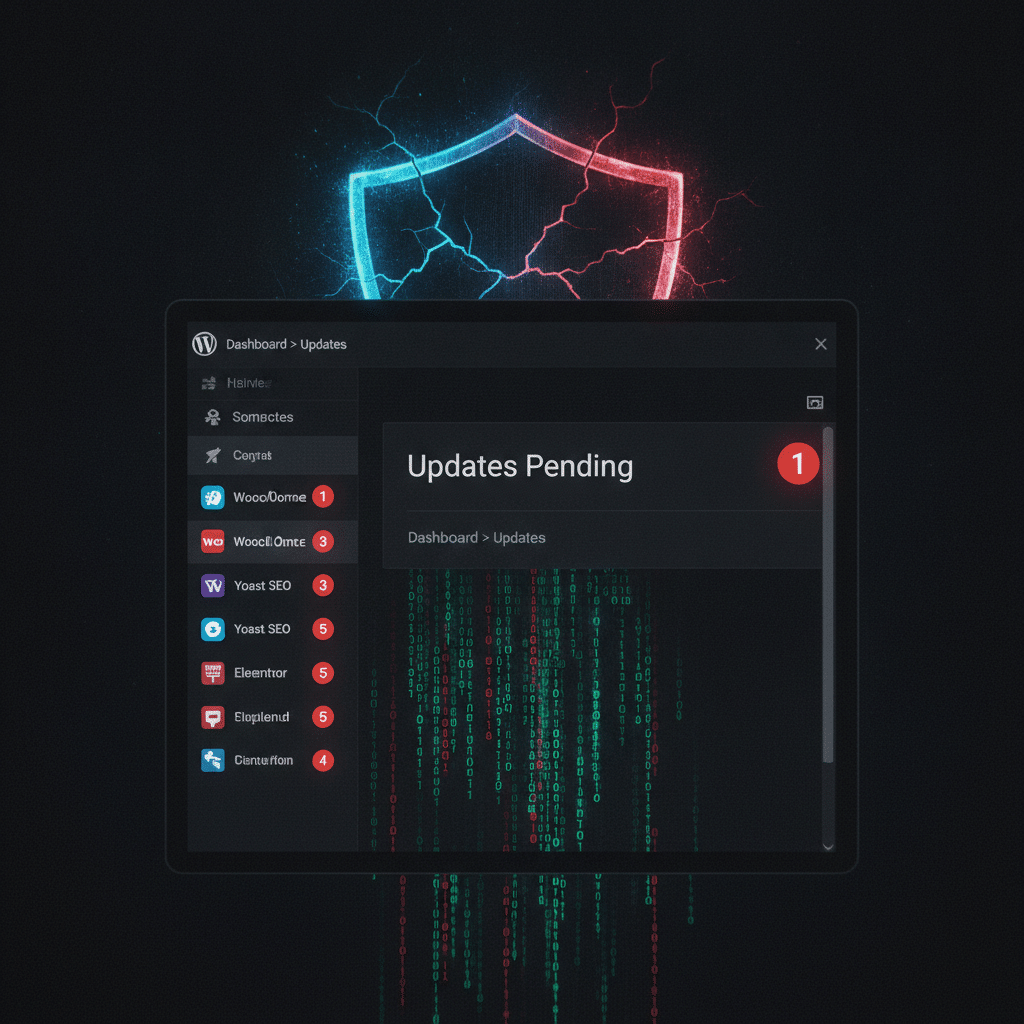
Your WordPress site needs updates. You know this. Yet somehow, weeks turn into months, and those little notification badges keep piling up in your dashboard. You are not alone. Skipping WordPress updates has become a silent epidemic affecting thousands of sites, and the reason is simple: site owners are terrified something will break.
That fear is not unfounded. However, the risk of not updating is far greater than the risk of updating. Let me explain why this matters for your business and what you can actually do about it.
The Real Cost of Outdated WordPress Plugins
Most WordPress sites are running old plugins right now. Not slightly outdated, but seriously behind on critical security patches. When developers release updates, they are not just adding features or tweaking colors. They are fixing vulnerabilities that hackers actively exploit.
Think of it this way: every outdated plugin on your site is an unlocked door. Hackers have automated tools that scan thousands of sites per hour, looking for these exact vulnerabilities. Once they find one, they can inject malware, steal customer data, or take your entire site offline.
The consequences hit your business directly. Google blacklists infected sites, which tanks your search rankings overnight. Customers lose trust when they see security warnings. Your host might suspend your account. Recovery costs run into thousands of dollars, not counting lost revenue while your site is down.
Why Site Owners Are Afraid to Update
The fear of breaking your site is legitimate. WordPress updates can cause conflicts, especially if you are running custom code or older themes. You have probably heard horror stories from other business owners who clicked update and watched their site turn into a mess of error messages.
This anxiety leads to a dangerous pattern. You postpone updates because you are too busy. Then you fall so far behind that updating feels even riskier. Meanwhile, your site becomes more vulnerable every single day.
Additionally, many site owners lack a clear update process. Without proper backups or a staging environment, updates feel like gambling with your business. You are basically hoping nothing breaks, which is not a strategy.
How to Update WordPress Safely Without the Panic
Updating your WordPress site does not have to be scary. You need a system that protects you while keeping your site secure. Here is the smart approach that professional developers use.
First, always run a complete backup before any updates. Your host might offer automatic backups, but verify they are actually working. Download a copy to your own computer if possible. This gives you a safety net if something does go wrong.
Second, test updates in a staging environment first. A staging site is a complete copy of your live site where you can safely test changes. Many quality hosting providers include staging sites in their plans. Update everything there first, click around, test your forms and checkout process, then push to live only when everything works.
Third, update in the right order. Start with backups, then update WordPress core, followed by plugins, and finally your theme. This sequence minimizes conflicts and makes troubleshooting easier if issues arise.
What to Do If You Are Already Behind
If your site is currently running outdated plugins and WordPress versions, do not panic. However, you need to address this quickly. The longer you wait, the more vulnerable you become and the harder updates become.
Start by checking your current versions. Go to your WordPress dashboard and look at the updates page. Make a list of what needs updating, paying special attention to security plugins and anything that handles customer data.
If you see dozens of pending updates and feel overwhelmed, this is exactly when you should call in help. A WordPress professional can safely bring your site current, typically in a few hours. This investment is significantly cheaper than recovering from a hack.
Consider setting up a WordPress care plan that handles updates automatically. Quality care plans include staging tests, backups, and monitoring, which means updates happen regularly without you thinking about it. Your site stays secure, and you stay focused on running your business.
The Updates That Matter Most
Not all WordPress updates carry the same urgency. Security updates should happen immediately, usually within 24 to 48 hours of release. These patches fix known vulnerabilities that hackers are already exploiting.
Plugin updates from reputable developers are next. Major plugins like WooCommerce, contact forms, and SEO tools release regular updates. These matter because popular plugins are common targets for attacks. Hackers know that millions of sites use them, so finding one vulnerability gives them access to thousands of sites.
WordPress core updates fall into two categories. Minor updates (like going from 6.4.1 to 6.4.2) are usually security and maintenance fixes. These should happen quickly. Major updates (like 6.4 to 6.5) introduce new features and sometimes require more testing, especially if you run custom code.
Building a Sustainable Update Strategy
The goal is not just to catch up on updates once. You need a system that keeps your site current without disrupting your business. This means creating a routine that works with your schedule, not against it.
Set a regular update schedule. Many businesses choose weekly or biweekly update windows during low traffic times. This predictability makes updates part of your normal routine rather than emergency firefighting.
Monitor your site after updates. Check your contact forms, test your checkout process, and browse your most important pages. Most issues appear immediately and are easy to fix if you catch them right away.
Keep good documentation. Note what you updated and when. If something does break later, you will know exactly what changed. This makes troubleshooting much faster and less stressful.
Your Site Deserves Better Than Neglect
Skipping WordPress updates is not really a time saver. You are just trading small, manageable maintenance tasks now for a potential disaster later. Every day you postpone updates, your risk increases while your options for safe updating decrease.
Your website is a business asset. It deserves the same care and maintenance as any other critical business tool. You would not skip oil changes on your delivery vehicles or ignore security updates on your payment systems. Your WordPress site needs that same consistent attention.
The good news is that updating does not have to be complicated or risky. With proper backups, a staging environment, and either dedicated time or professional help, you can keep your site current without the fear. Your customers, your search rankings, and your peace of mind will thank you.
Key Takeaways
- Security updates should happen immediately, usually within 24 to 48 hours of release.
- Major plugins like WooCommerce, contact forms, and SEO tools release regular updates.
- Minor updates (like going from 6.4.1 to 6.4.2) are usually security and maintenance fixes.
- Major updates (like 6.4 to 6.5) introduce new features and sometimes require more testing, especially if you run custom code.Building a Sustainable Update StrategyThe goal is not just to catch up on updates once.
- Check your contact forms, test your checkout process, and browse your most important pages.
Original Source: cybernews.com
