

WordPress News
WordPress 7.0 Launches with AI Tools and Redesigned Admin
WordPress 7.0 introduces AI infrastructure, a redesigned admin interface, and new block editor tools. The update brings optional AI features alongside practical workflow improvements, though community reaction remains mixed.

This release, named after jazz musician Louis Armstrong, marks the first major WordPress update of 2026.
WordPress just dropped a major update that is turning heads across the business community. Regarding WordPress 7.0, WordPress 7.0 landed on May 20, 2026, bringing artificial intelligence capabilities directly into the core platform alongside a refreshed admin interface and expanded design tools. If you run a WordPress site, here is what this release means for you and what you should know before upgrading.
What Changed in WordPress 7.0
This release, named after jazz musician Louis Armstrong, marks the first major WordPress update of 2026. More than 875 contributors worked on this version, delivering over 420 improvements and fixes. The update arrived about six weeks later than originally planned, giving the development team extra time to refine the new features.
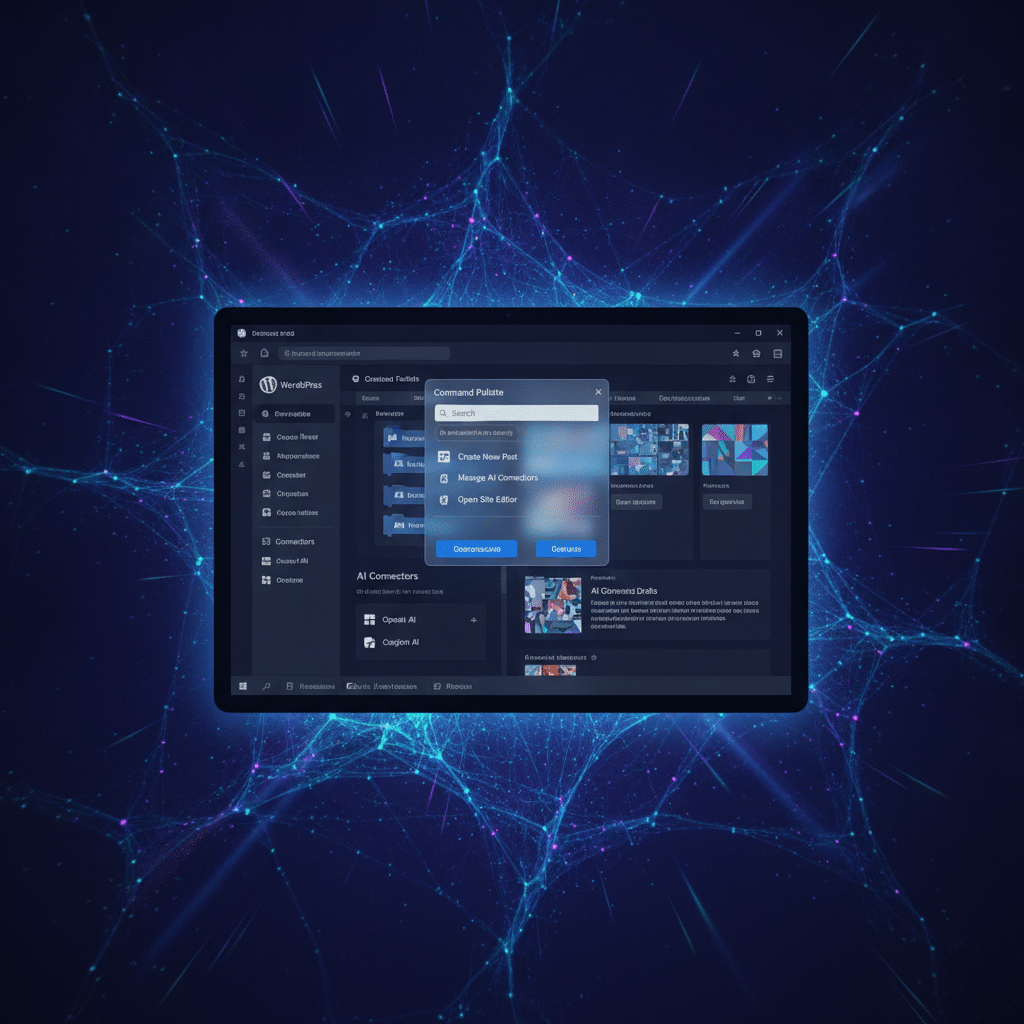
The biggest headline is that WordPress now includes AI functionality right out of the box. You will find an AI Client, an Abilities API, and a Connectors hub where you can link external AI services with just a few clicks. There is also an optional plugin that can generate images, write titles and excerpts, and create alt text for your photos automatically.
Additionally, WordPress 7.0 introduces an MCP Adapter that lets AI coding assistants like Cursor and Claude interact directly with your site. This could streamline how developers work with WordPress, though it has raised some security questions in the community.
Admin Interface and Design Updates
Beyond the AI features, WordPress 7.0 brings practical improvements to your daily workflow. The new Command Palette lets you quickly access functions from anywhere in the admin area by pressing Cmd + K on Mac or Ctrl + K on Windows. Think of it as a search bar for everything you need to do in WordPress.
The block editor got some useful upgrades too. You can now edit content within patterns without accidentally breaking your site’s design structure. A revisions panel now works with templates and patterns, making it easier to track changes and roll back if something goes wrong.
The font library is now available across all themes, not just specific ones. This gives you more design flexibility regardless of which theme you are using. For developers, a new grid package standardizes how grid-based layouts work throughout the platform.
What Got Pulled from This Release
Not everything made it into WordPress 7.0. The development team removed the real-time collaboration feature at the last minute because of performance concerns. This feature would have let multiple people edit the same content simultaneously, but testing showed it could slow down or overload some servers.
The minimum PHP requirement also increased to version 7.4. If your hosting runs an older PHP version, you will need to upgrade that first before updating to WordPress 7.0. Most quality hosting providers already support PHP 7.4 or newer, but it is worth checking before you update.
Community Response: Mixed Reactions
The WordPress community is split on this release, particularly around the AI integration. On forums like Hacker News and Reddit, some long-time users expressed frustration with the AI direction. One user stated they would migrate their sites to ClassicPress, a WordPress fork without AI features.
However, others see value in the approach. Several developers pointed out that WordPress did not force AI on anyone. Instead, it created an infrastructure that plugins can use if they want to. One Reddit developer noted that the real story is the PHP AI SDK and Abilities API, which give plugin developers tools without pushing AI on end users.
The Command Palette feature received widespread praise. GoDaddy called it a quietly useful improvement that makes managing multiple client sites much easier. For agencies and freelancers juggling several WordPress installations, this small addition could save significant time.
Stability and Compatibility Reports
Despite the controversy, most users report a smooth upgrade experience. Web development firm eXcelisys concluded that WordPress 7.0 has been remarkably stable for such a significant release, with strong plugin compatibility for most sites.
That said, some users did encounter issues. A few reported styling changes after updating, and others flagged concerns about AI tools having write access to their sites. These cases appear to be exceptions rather than the rule, but they highlight why testing updates on a staging site first is always smart.
Should You Update to WordPress 7.0?
For most business owners, WordPress 7.0 is a solid update worth installing. The improvements to the admin interface and block editor make daily tasks easier. The AI features are optional, so you can ignore them entirely if they do not fit your needs.
Before you update, take these steps. First, check that your hosting environment runs PHP 7.4 or higher. Second, make a complete backup of your site. Third, if possible, test the update on a staging environment before applying it to your live site. This approach catches any compatibility issues with your specific theme or plugins.
If you use a WordPress care plan or maintenance service, your provider should handle the update process and testing for you. This is exactly the kind of situation where having professional support pays off.
Alternatives If You Want to Wait
Not ready to embrace the AI direction? ClassicPress offers a WordPress fork without AI features and with optional block editor support. Other content management systems like Drupal and Ghost remain viable alternatives if you want different governance models.
WordPress 7.1 is tentatively scheduled for August 2026. If you prefer to wait and see how the community responds to 7.0, that is a reasonable approach. Just remember that staying on older versions eventually means missing out on security updates.
What This Means for Your Site
WordPress 7.0 represents a significant shift in direction for the platform. The AI infrastructure is now part of the foundation, whether individual site owners use it or not. For plugin developers, this opens new possibilities. For site owners, it means optional tools that could save time on routine content tasks.
The redesigned admin and improved editing experience benefit everyone immediately. The Command Palette alone could speed up your workflow considerably once you get used to it. The content-only pattern editing protects your site design while still letting you update text and images easily.
If you run a business website, the practical improvements outweigh the AI controversy for most use cases. The update is stable, the new features are optional, and the quality-of-life improvements make WordPress easier to use daily.
Before updating, review the WordPress 7.0 Field Guide and official documentation. If you work with a developer or maintenance provider, check with them about their update schedule and testing process. A coordinated approach prevents surprises and keeps your site running smoothly through the transition.
Key Takeaways
- What Changed in WordPress 7.0
This release, named after jazz musician Louis Armstrong, marks the first major WordPress update of 2026.
- More than 875 contributors worked on this version, delivering over 420 improvements and fixes.
- Additionally, WordPress 7.0 introduces an MCP Adapter that lets AI coding assistants like Cursor and Claude interact directly with your site.
- Web development firm eXcelisys concluded that WordPress 7.0 has been remarkably stable for such a significant release, with strong plugin compatibility for most sites.
- What This Means for Your Site
WordPress 7.0 represents a significant shift in direction for the platform.
Original Source: www.infoq.com
