

Uncategorized
Is Your WordPress Site Ready for Version 7.0?
WordPress 7.0 introduces real-time collaboration, AI tools, and major editor changes on May 20, 2026. Learn how to prepare your hosting environment and test safely before updating your site.

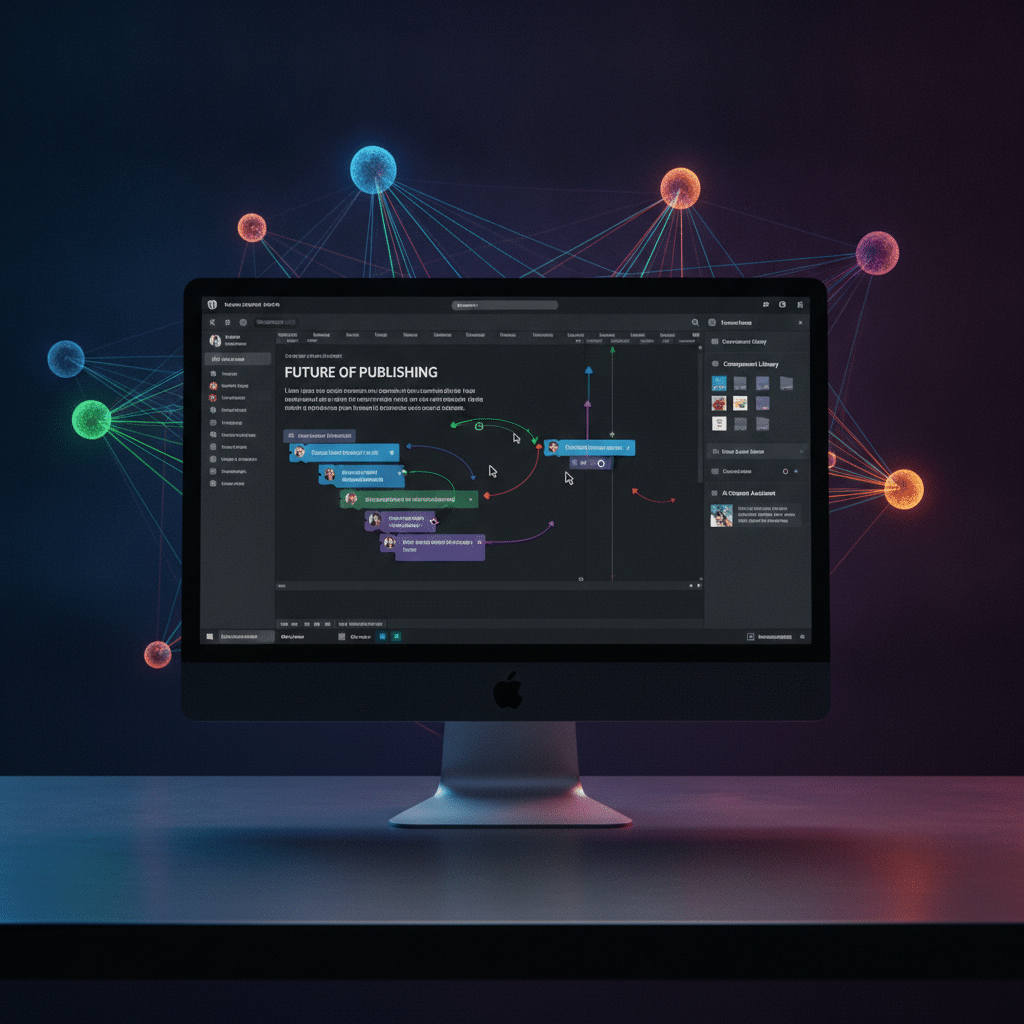
WordPress 7.0 brings features that many site owners have wanted for years.
WordPress 7.0 is coming, and it is not your typical update. Regarding WordPress 7.0, Scheduled for release on May 20, 2026, this version introduces real-time collaboration, AI architecture, and significant editor changes that could affect how your site works. If you run a WordPress site, now is the time to make sure your hosting environment can handle what is coming.
Hosted.com announced on June 11, 2026, that its WordPress hosting platform is ready for the new release. The company updated its infrastructure to support the technical requirements and workflow changes that WordPress 7.0 brings. This preparation matters because the update is more than a few bug fixes and minor tweaks.
WordPress 7.0 is the kind of release that requires attention not just to software compatibility, but to the full update process around it,
— Wayne Diamond
What Makes WordPress 7.0 Different
WordPress 7.0 is the first major release of 2026. However, it represents a shift in how the platform works. The development team focused on Phase 3 of the Gutenberg Project, which means deeper changes to editing, collaboration, and site management.
The headline feature is Google Docs-style collaboration. Multiple users can now edit content simultaneously in real time. This feature addresses outdated editorial workflows that have frustrated teams for years. According to WordPress development updates, real-time collaboration became the flagship addition of this release.
The release was actually delayed to allow more testing on collaboration features and architectural changes. That delay signals how significant these updates are and why careful deployment planning matters for site owners.
Editor and AI Changes Coming to Your Dashboard
WordPress 7.0 also overhauls the admin dashboard experience. The interface gets cleaner, the editor receives improvements, and blocks gain new features. Additionally, the update lays the groundwork for consistent AI tool integrations across the platform.
These changes sound exciting, but they can also break things. Themes, plugins, and custom code that worked perfectly on WordPress 6.x might not play nicely with version 7.0. If your site relies on multiple plugins or custom scripts, pre-update testing becomes essential.
Wayne Diamond, CEO of Hosted.com, explained the situation clearly. “WordPress 7.0 is the kind of release that requires attention not just to software compatibility, but to the full update process around it,” he said. That process includes testing environments, backups, monitoring, and platform stability during major version changes.
Why Your Hosting Environment Matters Now
Your hosting setup plays a bigger role than you might think when major updates drop. It is not just about running the latest PHP version. Your hosting needs to support the way you test, deploy, and recover from potential issues.
Hosted.com emphasized that preparation involves the entire update process. That includes staging environments where you can test changes before they go live. Testing in a staging environment reduces the risk of broken layouts, lost functionality, or downtime on your actual site.
Backup management also becomes critical during major updates. If WordPress 7.0 causes conflicts or performance problems, recent backups let you restore your site quickly to a working version. Compatibility issues often do not show up until after you have already updated, which makes rollback capability important.
Testing Before You Update
Staging environments give you a safe space to see how WordPress 7.0 affects your specific site. You can update the staging version, check your theme, test your plugins, and verify custom code without risking your live site. If something breaks, you find out before your visitors do.
Hosted.com already includes staging environments in its WordPress hosting setup. The company positions these tools as essential safeguards, even for minor updates. With WordPress 7.0 bringing substantial changes, staging becomes even more valuable.
What to Check Before Updating Your Site
Hosted.com outlined several areas site owners should review before updating to WordPress 7.0. These checks help you identify potential problems before they become real problems.
First, verify theme and plugin compatibility. Check with your theme developer and plugin authors to confirm their products work with WordPress 7.0. Many developers release compatibility updates ahead of major WordPress releases.
Second, confirm your backup status. Make sure you have a current, complete backup of your site. Test that backup to verify it actually works. A backup that fails during restoration is worse than no backup at all.
Third, use your staging environment. Clone your live site to staging and run the WordPress 7.0 update there first. Click through your site, test forms, check your checkout process if you run an online store, and verify everything works as expected.
Finally, review PHP requirements. WordPress 7.0 may require a specific PHP version. Check your hosting control panel to confirm you meet the minimum requirements and consider upgrading to the recommended version for better performance and security.
Monitoring Site Performance After the Update
Updating to WordPress 7.0 is not a one-and-done task. You need to monitor your site after the update to catch issues that might not appear immediately. Performance changes, unusual behavior, or security concerns can surface hours or days after you update.
Hosted.com pointed to monitoring and security as essential parts of maintaining site stability during updates. Good hosting environments include tools that identify performance changes or other issues that emerge after an update goes live.
This monitoring becomes especially important with WordPress 7.0 because the update changes core editing and admin functions. Problems might not show up in your public-facing pages but could affect how you or your team manages content behind the scenes.
The Bigger Picture for WordPress Hosting
Hosted.com said this announcement highlights requirements across the web hosting ecosystem. As WordPress continues evolving with major releases like version 7.0, hosting providers need to adapt how they support website owners.
The company emphasized that being ready for WordPress 7.0 means more than just infrastructure. It involves the processes and tools that help site owners manage updates in a controlled, consistent way. That approach reduces risk and gives you confidence when updating to major new versions.
For small businesses, freelancers, and entrepreneurs running WordPress sites, choosing hosting that supports safe update workflows matters more than ever. WordPress 7.0 will not be the last major release to introduce significant changes. Having hosting that helps you manage those changes protects your site and your business.
What This Means for Your WordPress Site
WordPress 7.0 brings features that many site owners have wanted for years. Real-time collaboration will improve team workflows. The cleaner admin dashboard will make site management easier. AI integration capabilities will open new possibilities for content creation and site functionality.
However, these benefits come with the need for careful preparation. Major WordPress updates can break things if you do not test first and have a backup plan. Your hosting environment either makes that preparation easier or forces you to handle everything manually.
If your current hosting does not include staging environments, automatic backups, and monitoring tools, consider whether it will support you through WordPress 7.0 and future major updates. The time you invest in preparation now prevents the headaches and downtime that come from updates gone wrong.
WordPress 7.0 launches on May 20, 2026. That gives you time to review your site, test in staging, confirm backups, and make sure your hosting can handle what is coming. Take that time. Your future self will thank you when the update goes smoothly instead of taking your site down.
Key Takeaways
- Regarding WordPress 7.0, Scheduled for release on May 20, 2026, this version introduces real-time collaboration, AI architecture, and significant editor changes that could affect how your site works.
- Hosted.com announced on June 11, 2026, that its WordPress hosting platform is ready for the new release.
- This monitoring becomes especially important with WordPress 7.0 because the update changes core editing and admin functions.
- As WordPress continues evolving with major releases like version 7.0, hosting providers need to adapt how they support website owners.
- WordPress 7.0 will not be the last major release to introduce significant changes.
Original Source: www.financialcontent.com
Sources
- Hosted.com Prepares WordPress Hosting For WordPress 7.0 Update With Advanced AI And Collaboration Features — www.financialcontent.com
